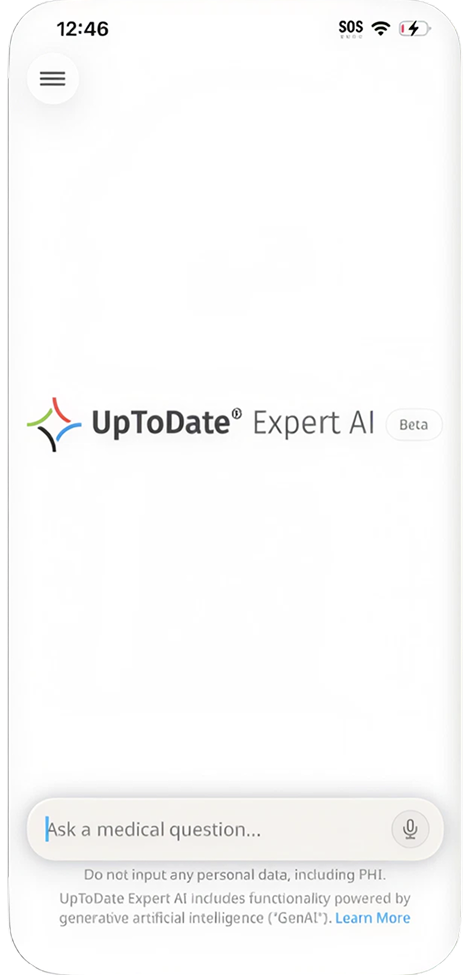
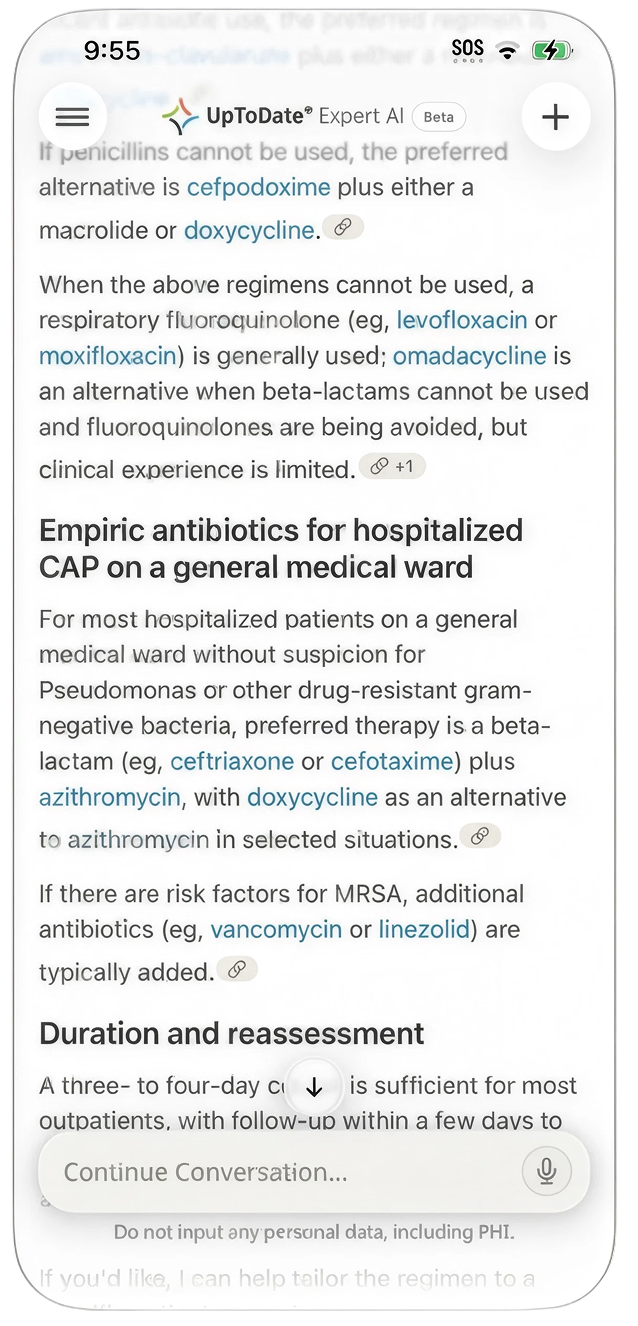
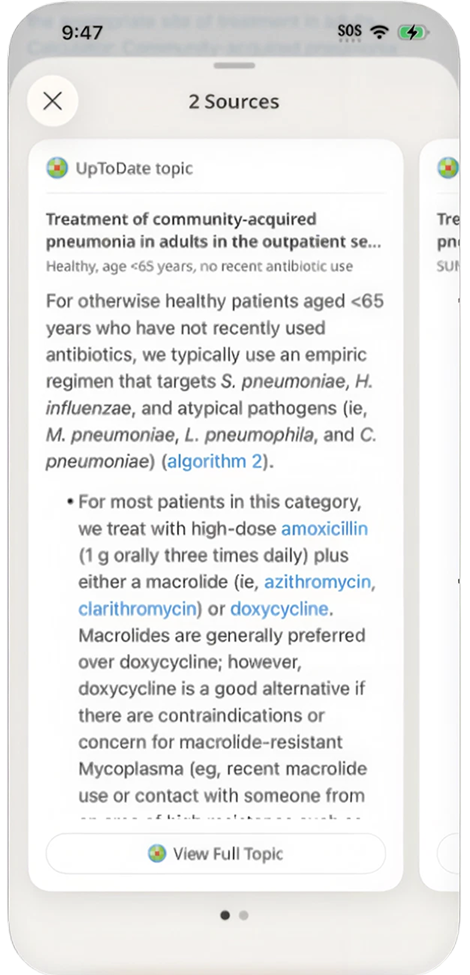
UpToDate Expert AI is an AI-powered experience for healthcare professionals, designed to help clinicians and medical students get faster, evidence-based answers while working.
Over 24 weeks, I worked across product strategy, UX, interaction design, prototyping, user testing, design systems, and engineering implementation to take the product from early concepts through launch and continued iteration.
The result: a native mobile experience launched in Q2 2026 that reached 30,000+ active installs with a 4.8-star rating.
The Challenge
AI products were becoming increasingly common, but healthcare professionals had a different set of expectations.
They needed to:
Get answers quickly while working
Ask complex clinical questions without extensive typing
Navigate long, evidence-based answers
Access information from trusted medical sources
Use the product in different ways depending on their experience
Move between learning and clinical decision-making
Access the experience without having to completely change their workflow
At the same time, we were building a new product, which meant many of the basic questions were still unresolved:
What should Expert AI be on mobile?
Who should it be designed around?
Which AI capabilities actually matter?
How can we make the experience feel native rather than like a website inside an app?
V1 Designs
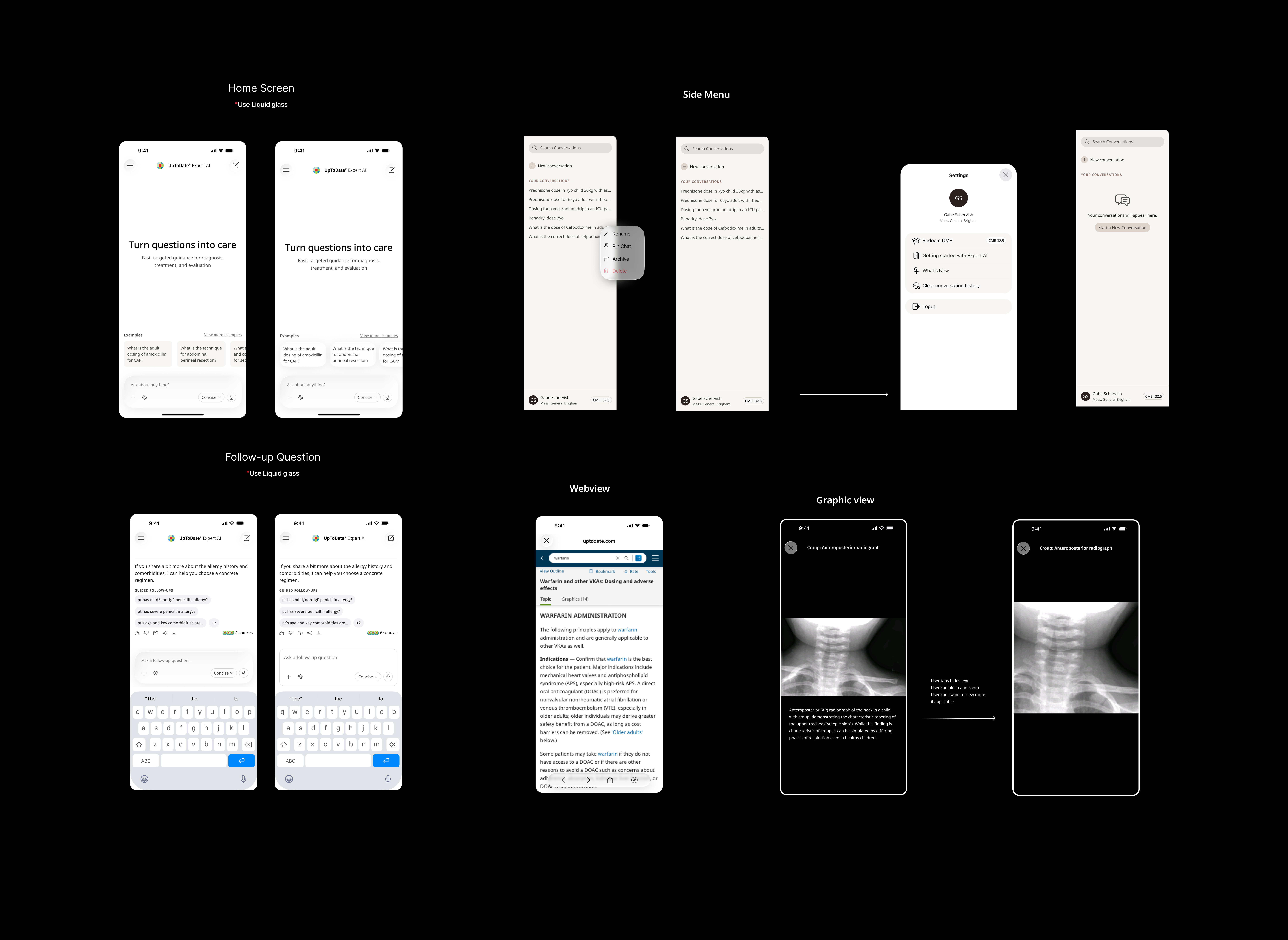
Mapping out the mobile experience: Early on, I leaned into lower-fidelity designs patterns to figure out the main screens for the app. The goal was to lean into native patterns to provide an exceptional mobile experience
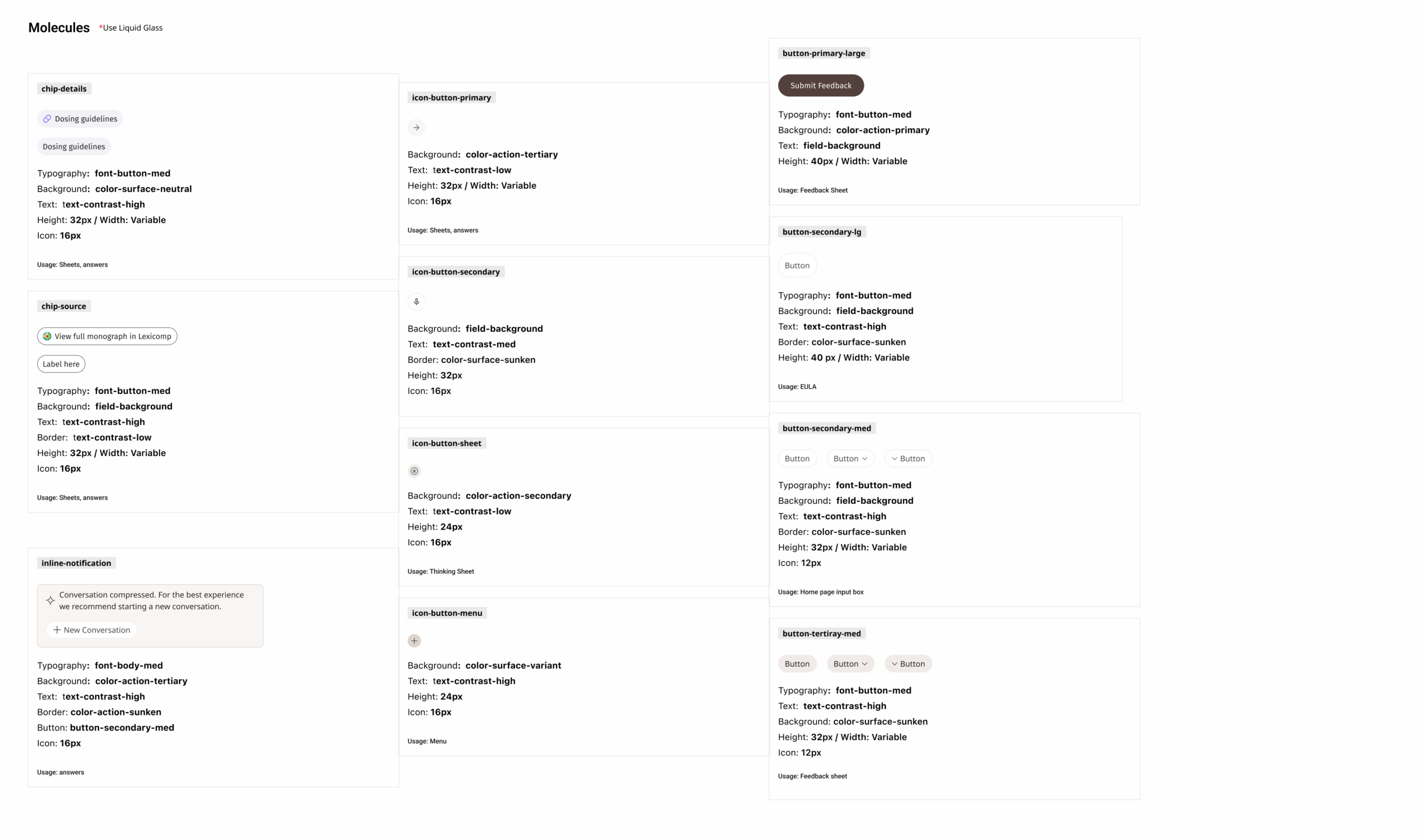
Building Components and Design System
As the product grew, it became clear that we needed more than individual screens.
I worked with engineering to break the designs into:
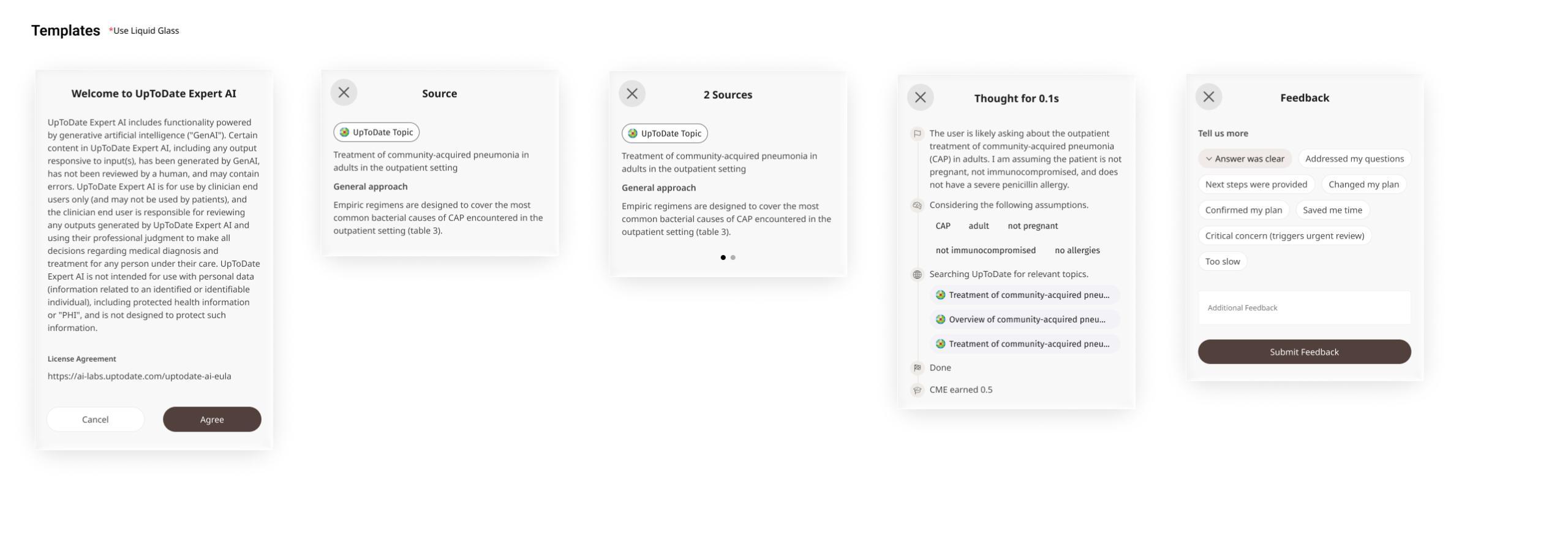
Atoms → Molecules → Organisms → Templates → Pages
This helped us create reusable components while the product was still changing rapidly.
The system included:
Typography
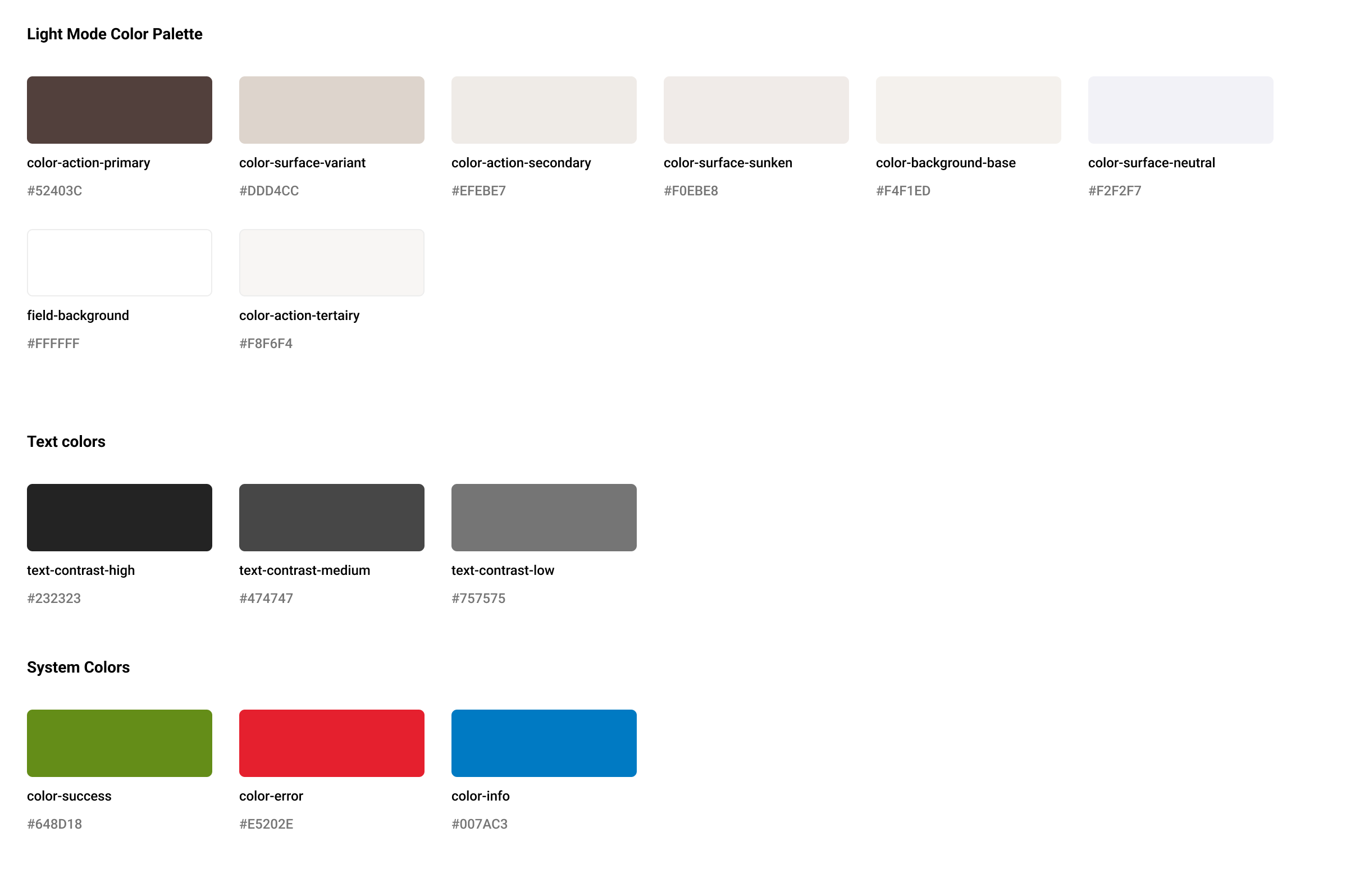
Colors
Buttons
Cards
Bottom sheets
Inputs
Navigation
Answer components
Source components
The goal wasn’t simply visual consistency.
It was to give engineering a foundation to and make future product changes easier to implement.
Testing and Iteration
User testing became increasingly important as we approached launch.
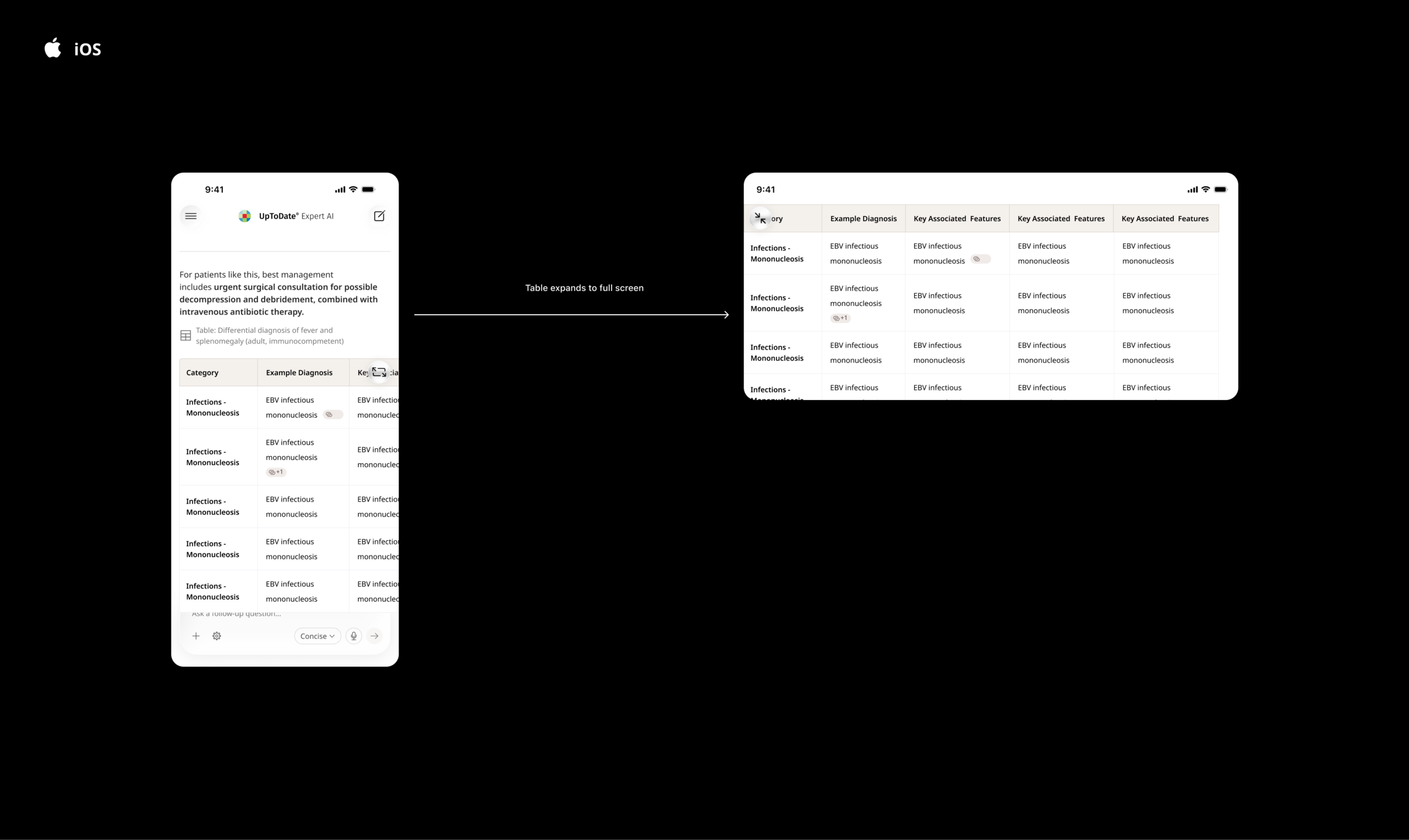
One example was the presentation of clinical tables.
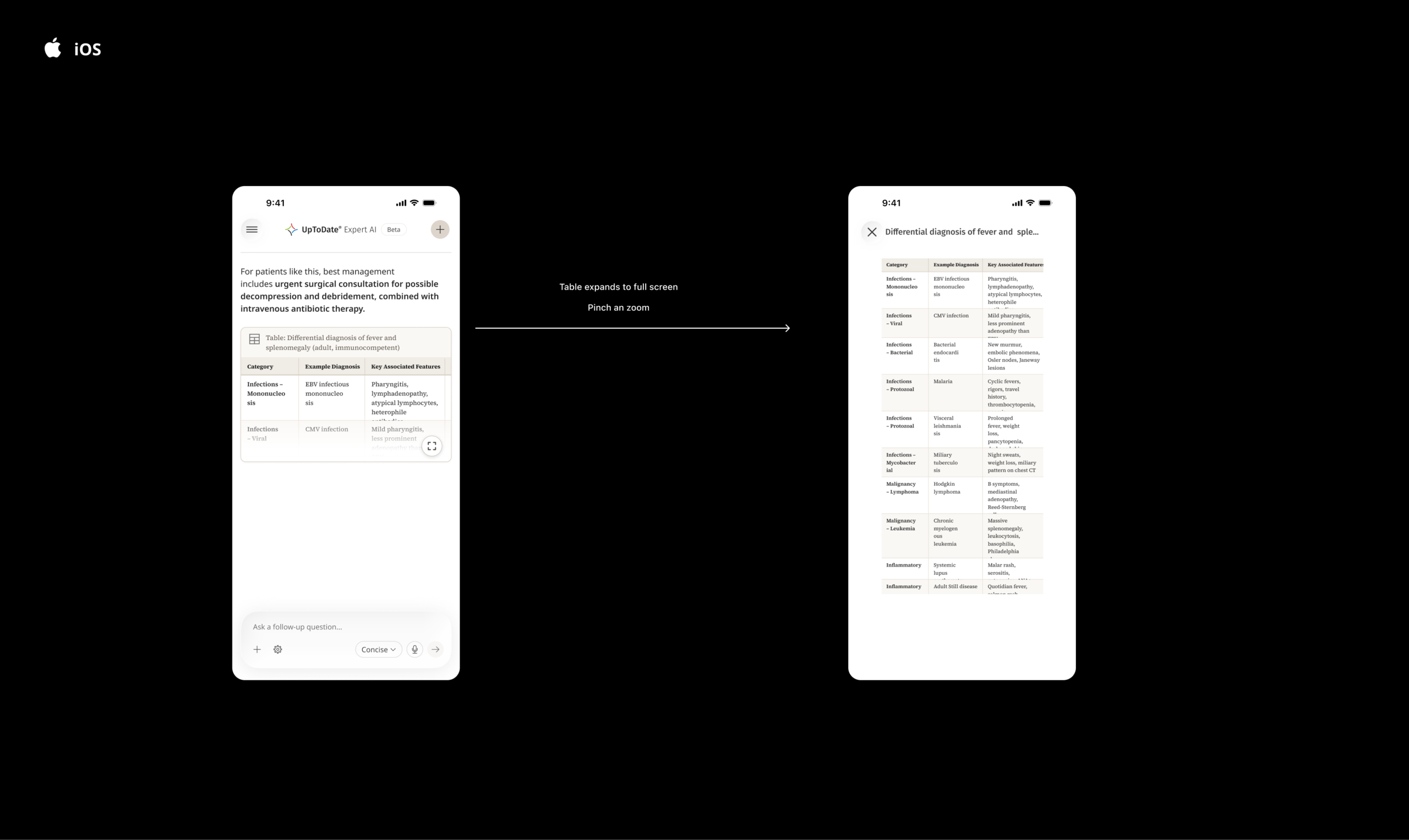
Initial concepts treated them similarly to the existing web experience, showing the full table in the answer, which was a problem on mobile because one table can take up the whole screen.
User testing became increasingly important as we approached launch.
One example was the presentation of clinical tables.
Initial concepts treated them similarly to the existing web experience, showing the full table in the answer, which was a problem on mobile because one table can take up the whole screen.
Solution: Preview Tables that users can expand
The solution was preview tables that users can easily scroll by if they do not need to view them, but also give them the ability to expand to full screen and utilize pinch and zoom to look at the table.
Native App Features
I wanted to create a useful, native mobile experience for the launch of Expert AI—one that could help clinicians get trusted answers during the small windows in their busy day, such as between appointments.
Rather than simply bringing the web experience to mobile, we designed around the advantages of the phone.
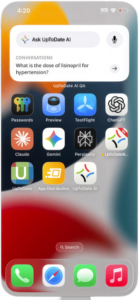
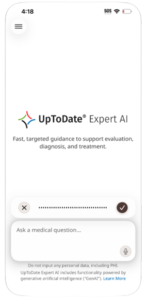
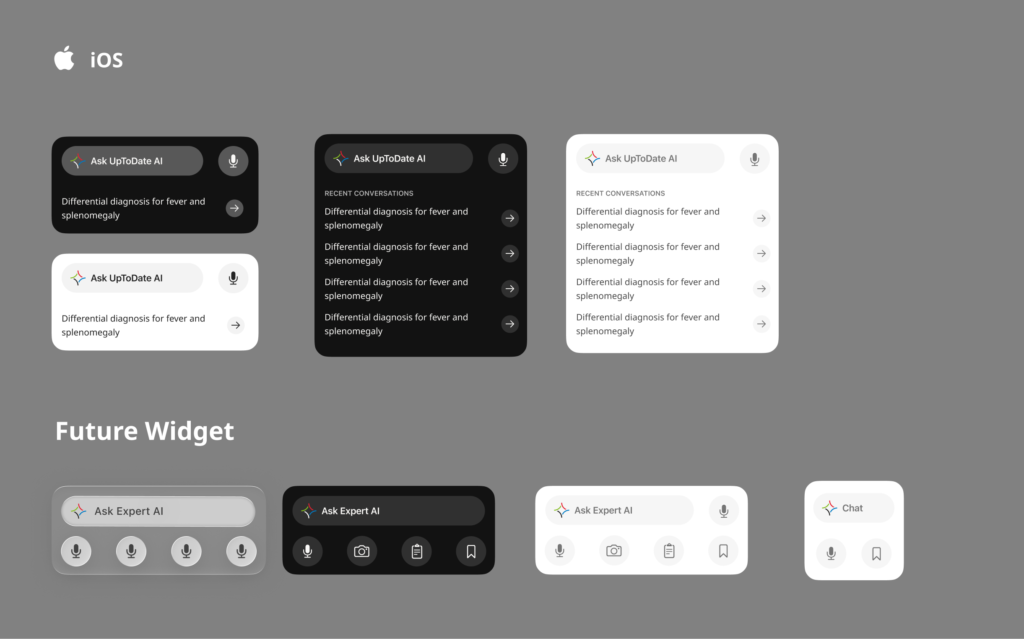
We introduced voice input and widgets to make Expert AI faster to access and easier to use when clinicians were busy, moving between patients, or didn’t have time to type.
The goal: make getting an answer as fast and effortless as possible.
App Store Launch
After 24 weeks, Expert AI launched on iOS and Android.
30,000+ active installs 4.8 ★ rating Q2 2026 launch
The product launched with:
AI chat
Voice input
Sources
Mobile-optimized answers
Widgets
Native platform interactions
I continued working on the product after launch, including Apple Watch integration, Free Trial Subscription, Patient context, and Personalization